Start with the spreadsheet, not the checkout button
A product row should answer a simple question: is this listing worth investigating? Before opening a buy link, read the category, short description, update date, expected price range, and any note about color or sizing. These fields help you decide whether the product fits your actual search intent. A hoodie row should not lead to a jacket, and a shoe row should make the model and size system clear enough to investigate.
Treat every link as changeable. Marketplace sellers may replace photos, remove options, alter prices, or reuse a listing for a different item. A spreadsheet can organize discovery, but the current source page remains the final reference. Check when the row was last reviewed and be more cautious with older entries. If the product title, photo, category, and available options no longer agree, skip it until the mismatch is resolved.
Use the spreadsheet filters before opening several tabs. Filter by category, price, intended fit, color, or use case. Then open a small comparison group, ideally three to five listings. This keeps the research manageable and makes differences easier to notice. Opening dozens of similar links usually produces noise rather than confidence.
Compare current OutfitReps product links
The following current OutfitReps pages illustrate different categories that can appear in a CSSBuy research board. They are examples for comparison, not endorsements or permanent availability guarantees. Open each page and confirm the live product information before using an agent.
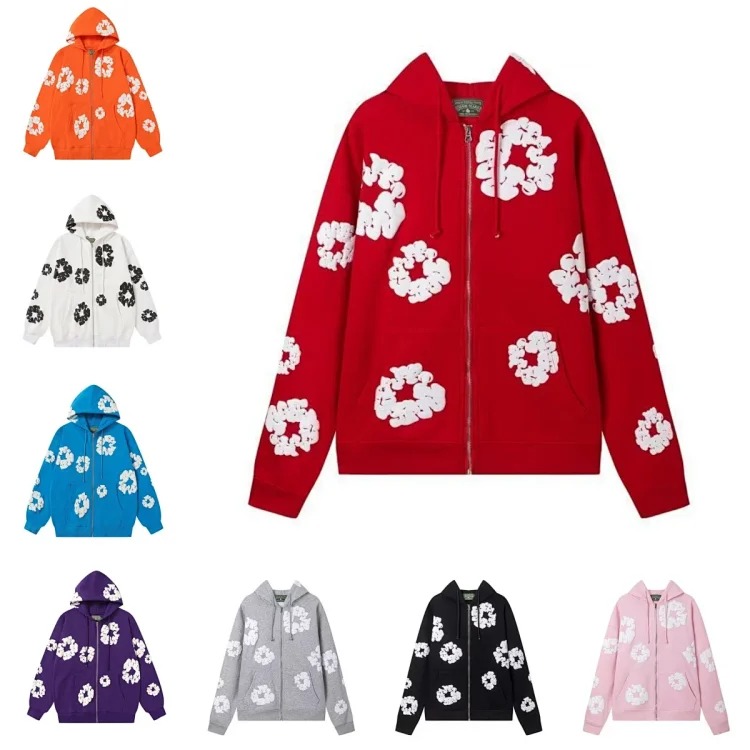 Hoodie product link
 Shoe product link
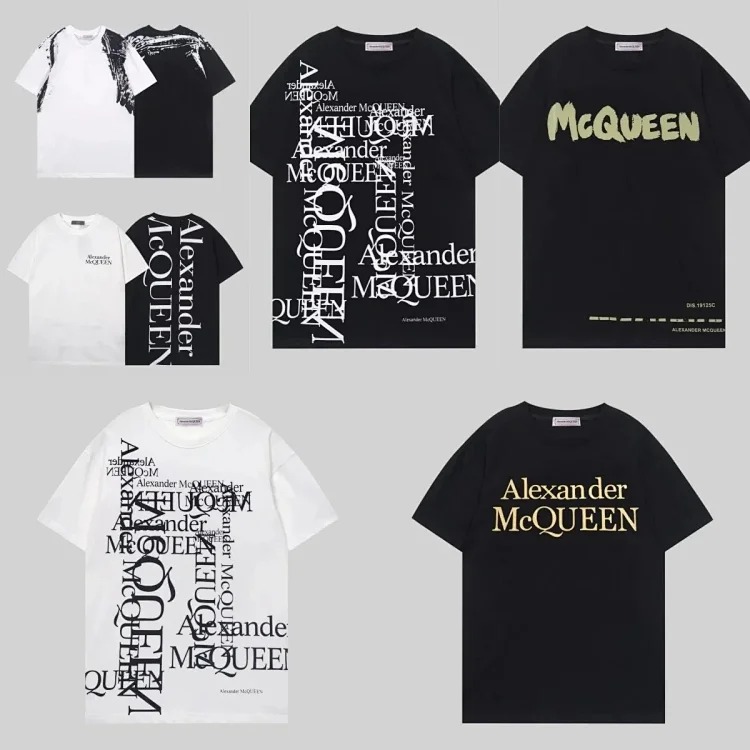 T-shirt product link
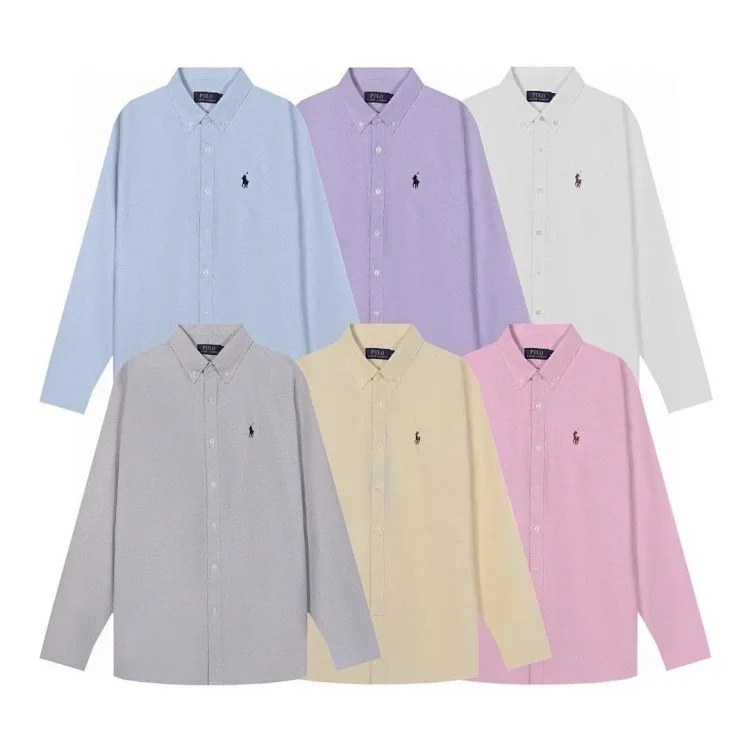 Jacket product link
 Pants product link
 Accessory product link
For every page, compare the live title with the main image and category. Count the useful gallery images, inspect selectable options, and note whether a size chart is visible. Record the checked date in your own notes. A link that is active today can still change later, so the date provides context when you return to the spreadsheet.
Record sizing and option evidence
Do not rely only on labels such as small, medium, large, or a familiar shoe number. Record garment measurements in centimeters and compare them with an item you already own. For tops, prioritize chest width, shoulder width, sleeve length, and total length. For pants, compare waist, rise, thigh, inseam, and leg opening. For shoes, look for insole or recommended foot length rather than assuming every seller uses the same conversion.
Write the exact option in a way an agent can understand without guessing. Include color, size, version, and any model identifier shown on the current page. If one listing contains several unrelated products, save a screenshot or describe the selected image. Avoid vague notes such as “black one” when multiple black variants exist.
Also check whether the option changes the price. Some marketplace pages display the cheapest accessory or deposit as the headline price. Select the intended size and version before recording a cost estimate. Your spreadsheet total should be treated as a planning figure until the agent confirms the order.
Prepare a QC checklist before ordering
Good QC starts before the parcel reaches the warehouse. Add a short checklist to the spreadsheet row while the listing is still open. This prevents you from forgetting what mattered when warehouse photos arrive days later. The checklist should focus on visible, category-specific evidence instead of asking whether the product is simply “good.”
- Confirm the received category, color, size label, and quantity.
- Compare logos, prints, embroidery, seams, zippers, and hardware with the live listing.
- Request measurements when fit depends on a critical dimension.
- Check both shoes as a pair, including outsole shape, labels, and obvious asymmetry.
- Ask for an extra close-up when a required area is missing from standard warehouse photos.
QC photos are evidence for an order decision, not studio photography. Lighting and camera angle can alter color, so compare several images before concluding that a tone is wrong. A measurement discrepancy, incorrect option, missing part, visible damage, or major construction issue is usually more actionable than a minor color cast.
Check the agent route and shipping impact
A useful CSSBuy spreadsheet also records what happens after product research. Before ordering, check whether the marketplace source is supported by the intended agent workflow and whether any category restriction applies. Keep the original source URL and your selected option together. When the agent creates an order record, compare its title, price, quantity, and option with your notes.
Shipping should influence product selection early. Shoes, structured bags, heavy jackets, and bulky packaging can increase both actual and volumetric weight. Lightweight T-shirts may add little individually but become significant in a large haul. Record whether packaging is essential, whether rehearsal is available, and whether a route accepts the category and destination.
Do not select a route only because it is the cheapest estimate. Compare tracking, insurance terms, restrictions, delivery expectations, customs handling information, and the way chargeable weight is calculated. Rates and route availability can change, so check current agent information when the parcel is ready rather than copying an old estimate from an article.
Use a repeatable CSSBuy spreadsheet checklist
Before moving a row from research to order-ready, confirm that the live page still matches the spreadsheet, the intended option is selectable, the size decision is supported by measurements, the price is attached to that option, and the QC request is written. Then confirm the agent route can process the product and that the expected shipping volume makes sense for the rest of the parcel.
This workflow does not eliminate marketplace risk, but it makes decisions traceable. If a listing changes, you can see when it was checked. If the warehouse receives the wrong option, you have a written selection. If parcel cost is unexpectedly high, you can review which products added bulk. That is the real value of a CSSBuy spreadsheet: it connects product discovery to verification, warehouse review, and shipping preparation.
Continue with the main CSSBuy Spreadsheet Guide, review the CSSBuy Product Links Guide, prepare warehouse checks with the CSSBuy QC Guide, and compare parcel decisions in the CSSBuy Shipping Guide. Return to the CSSBuy Super Sheet Link Library or browse all current articles in the guide library.