Confirm that the product link still matches
A spreadsheet or product board helps you discover items, but a marketplace listing can change after it is added. Open the source page and compare the live title, main image, category, selectable options, and price with the product you expected. If a hoodie link now displays a different garment, or a shoe listing uses an unrelated low-price option as its headline price, stop and investigate before submitting it to an agent.
Record the date you checked the page. This makes your notes more useful when you return later and gives you a clear point of comparison if the seller changes photos or options. An active URL is not enough: the item itself, the chosen version, and the seller information must still make sense together.
For a first order, keep the comparison set small. Review three to five candidates in one category and remove unclear listings. A page with understandable options, multiple useful photos, and measurable product information is usually easier to order and inspect than a page with an attractive image but little evidence.
Review current product examples by category
These OutfitReps pages were checked when this guide was published and provide examples of different categories. They are research links, not permanent availability promises. Reopen each page and verify the current information before placing an order.
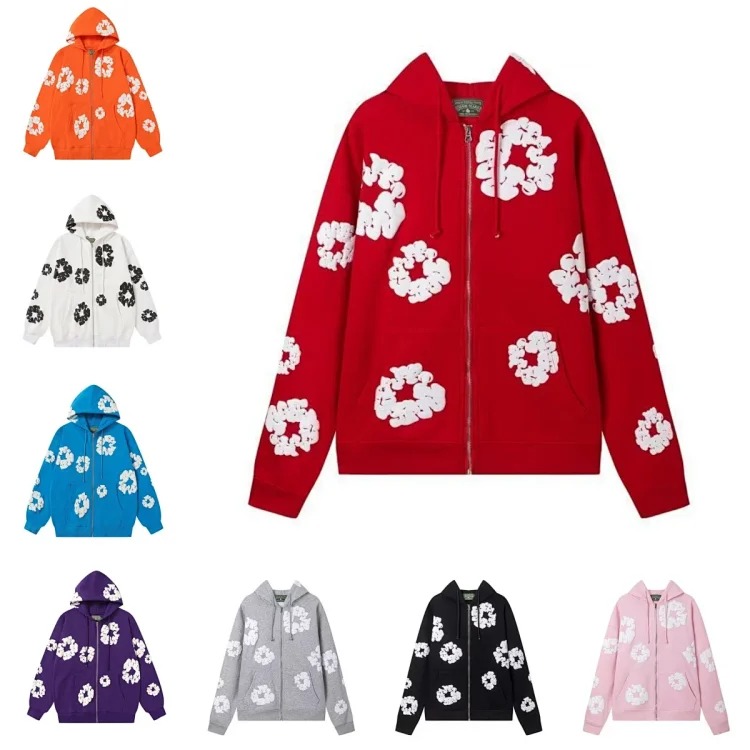 Hoodie product link
 Shoe product link
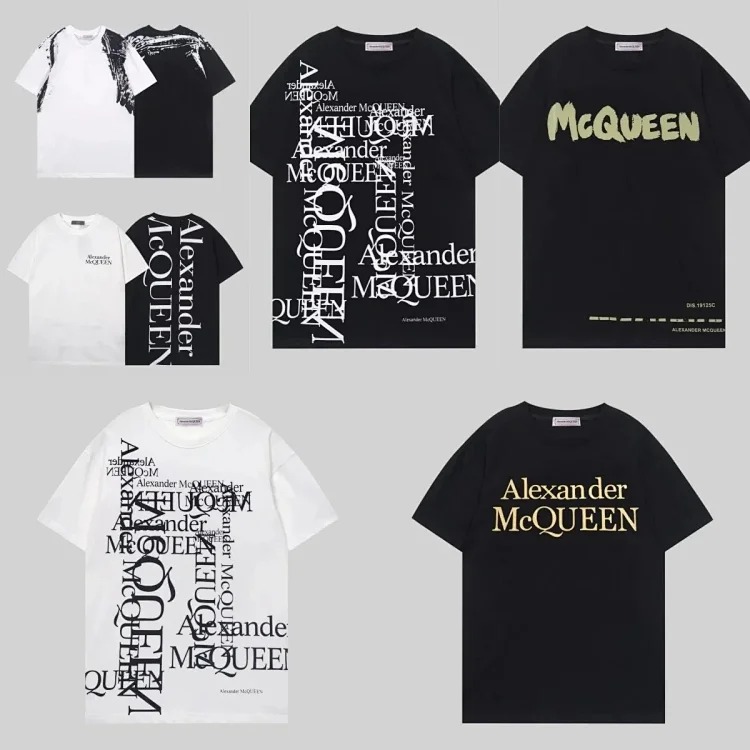 T-shirt product link
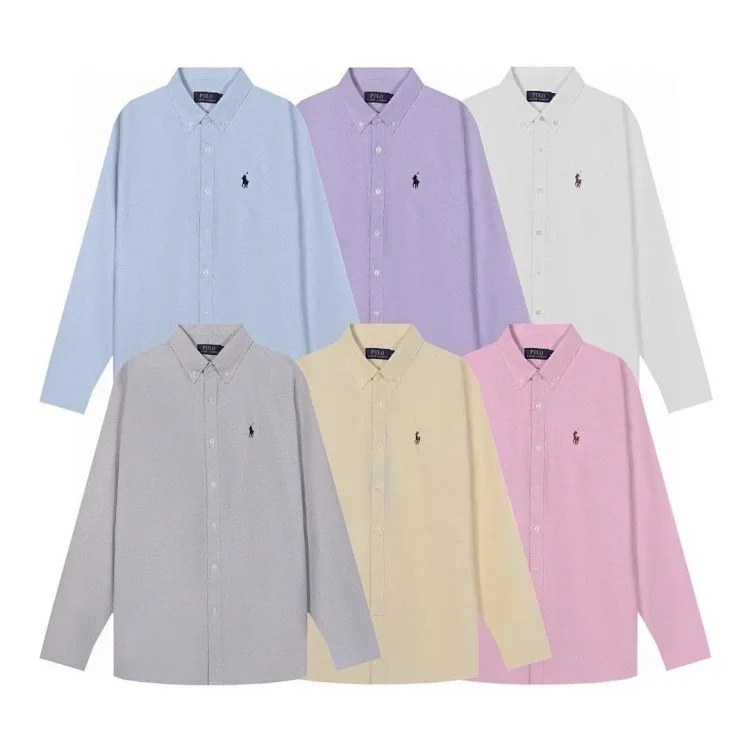 Jacket product link
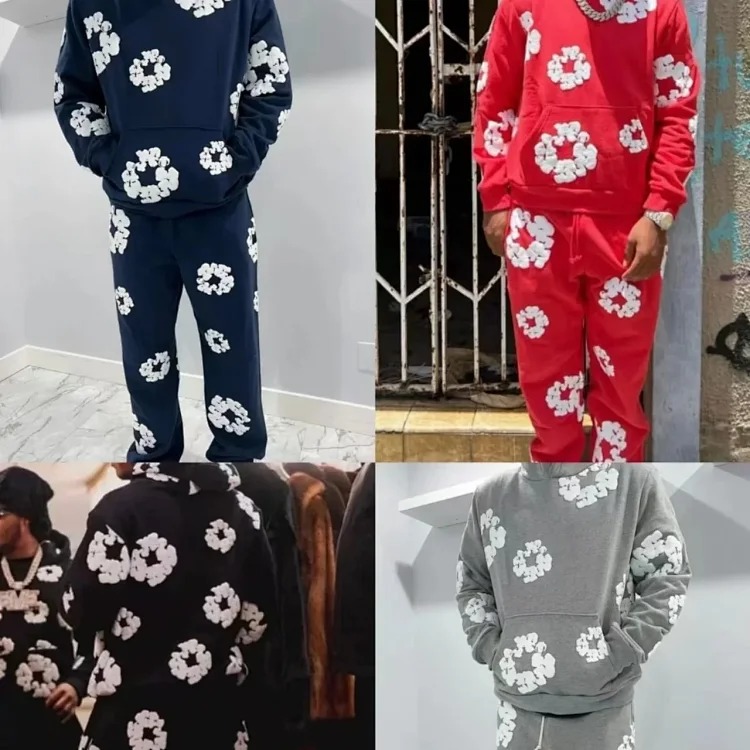 Pants product link
 Accessory product link
Use category context when comparing pages. A T-shirt needs clear fabric, print, chest, shoulder, and length information. Shoes need size conversion, insole or foot-length guidance, paired photos, and outsole details. Jackets and hoodies need measurements, material notes, closure details, and enough photos to understand the silhouette. Pants require waist, rise, thigh, inseam, and leg-opening evidence.
Write the exact option and size decision
Agents can only order what the submitted link and notes communicate. Copy the exact color, size, version, and model identifier from the live page. If several products share one listing, describe the selected image or option combination clearly. Avoid notes such as “same as photo” when the page contains many photos or variants.
Compare measurements with a garment or shoe that already fits you. For tops, record chest width, shoulder width, sleeve length, and total length. For pants, use waist, rise, thigh, inseam, and opening. For footwear, compare recommended foot length or insole length rather than trusting a familiar label by itself. Seller charts may use different measurement methods, so note whether a value is a flat width or full circumference.
Check whether selecting your option changes the price. Some listings display the cheapest accessory, deposit, or small-size option first. Your planning total should use the intended variant and should remain an estimate until the agent confirms the purchase.
Prepare useful QC instructions
Write the QC checklist before ordering while the source page is still fresh. Standard warehouse photos can confirm the general item, but they may not show every detail that matters. A useful request names the area to inspect and the evidence required.
- Confirm color, quantity, size label, and selected version.
- Compare print position, embroidery, seams, hardware, zippers, and included pieces.
- Request one or two critical measurements when fit is uncertain.
- For shoes, inspect both sides of the pair, labels, outsole, and obvious asymmetry.
- For bags or accessories, verify dimensions, straps, closures, and removable parts.
Lighting can make warehouse colors look different, so compare several photos and the live listing before deciding that a color is wrong. Incorrect options, missing components, visible damage, major measurement differences, or construction problems are more actionable than a small photographic color cast.
Follow the agent route from order to warehouse
Keep the original product URL, chosen option, expected price, and QC notes together in your CSSBuy research record. When the agent creates the order, compare the order title, quantity, option, and paid amount with that record. Save important messages and do not move discussions to an unverified contact that cannot be connected to the order.
Order status labels describe process stages, not product quality. A purchased item can still arrive in the wrong option, and a warehouse arrival does not mean the product passed your checks. Wait for photos, review the evidence, request an additional view if necessary, and resolve differences before building the parcel.
Check current return and exchange conditions early. Marketplace sellers may limit returns, and an agent may have inspection or storage deadlines. Knowing those rules before ordering helps you review QC promptly instead of discovering the deadline after a problem appears.
Plan shipping before completing the first haul
Shipping cost depends on more than the product price. Heavy footwear, structured bags, bulky jackets, and retail packaging can increase actual or volumetric weight. Ask whether packaging is essential, compare rehearsal options, and keep the first parcel focused enough to understand the process.
Verify that the selected route accepts the category and destination. Compare chargeable-weight rules, tracking, insurance terms, restrictions, estimated delivery time, and customs information. Route availability and prices change, so use current agent data when the parcel is ready rather than copying an old rate from a guide.
A practical first order is one you can verify. Fewer clear product links, written size choices, specific QC notes, and a realistic parcel plan create a better learning experience than a large collection of uncertain listings. Use the CSSBuy Product Links Guide, the CSSBuy Agent Guide, the CSSBuy QC Guide, and the CSSBuy Shipping Guide as the next steps. Return to the CSSBuy Super Sheet Link Library, review the related CSSBuy spreadsheet workflow, or browse the full guide library.