Separate URL availability from product validity
The first check is technical: open the URL and confirm that it loads without a not-found page, blocked response, or endless redirect. A successful page load only proves that the address exists. It does not prove that the seller still offers the item you saved. Marketplace sellers can reuse pages, remove variants, replace images, or change a listing from one product category to another.
Compare the live page with the spreadsheet row or saved note. The title, category, main image, expected price range, and option names should still describe the same product. If the saved row says hoodie but the current page shows shoes, the link is active technically but invalid for that row. Mark it for replacement instead of forwarding it to an agent.
Record the date of every meaningful review. A checked date tells readers when the evidence was current and makes future maintenance faster. Do not label a link permanently verified. Use wording such as “checked August 18, 2026” because listings and agent conditions can change later.
Keep a short review log beside the link: page status, matching product, selected option, observed price, size-chart date, and the next action. This turns a vague “working” label into evidence another buyer can audit. When a later review finds a change, update only the affected fields and preserve the previous check date. The history helps distinguish a seller update from a spreadsheet mistake and prevents the same uncertainty from being researched repeatedly.
Check current product links across categories
The following OutfitReps links were reachable when this article was published. They demonstrate the checks needed for different categories and are not permanent stock guarantees. Open the live page and repeat the process before ordering.
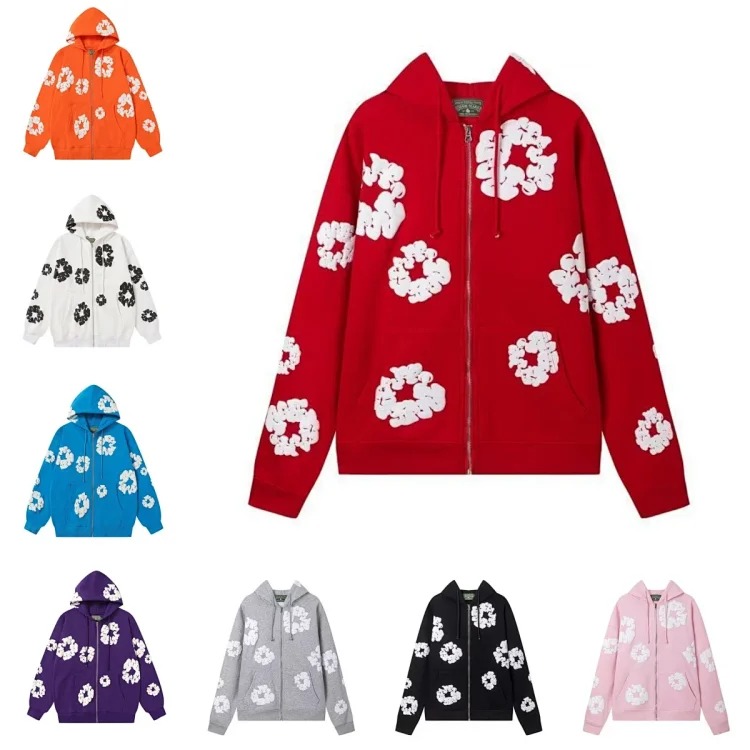 Hoodie link check
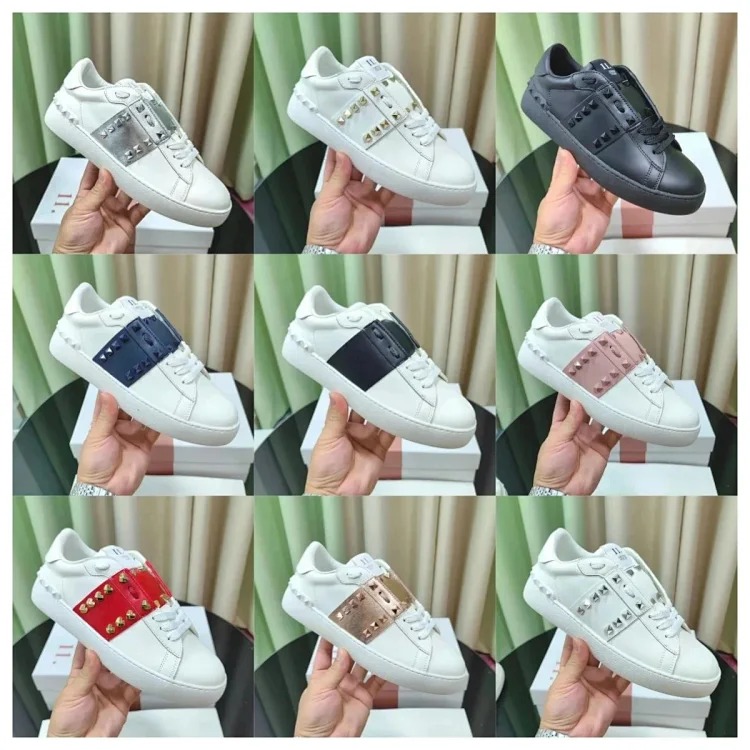
 Shoe link check
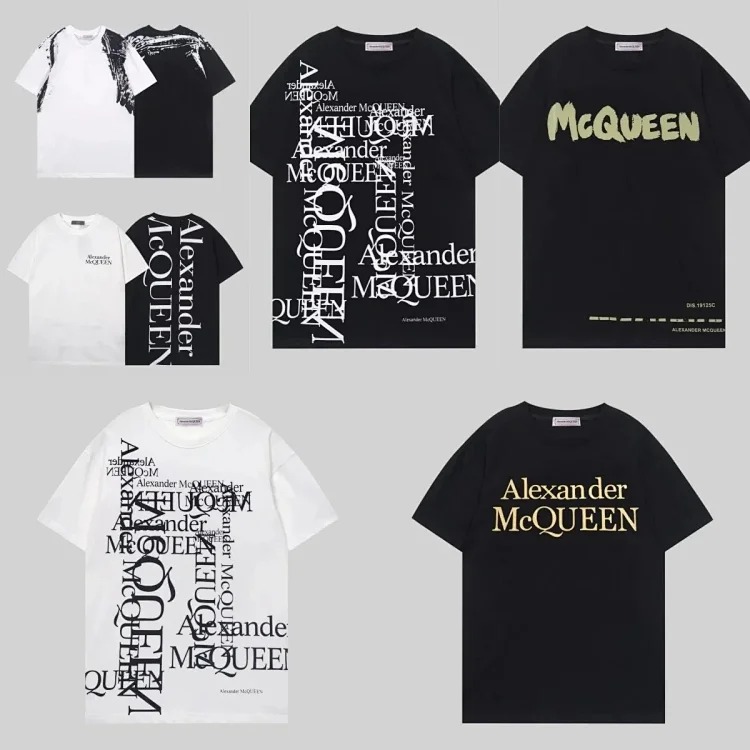 T-shirt link check
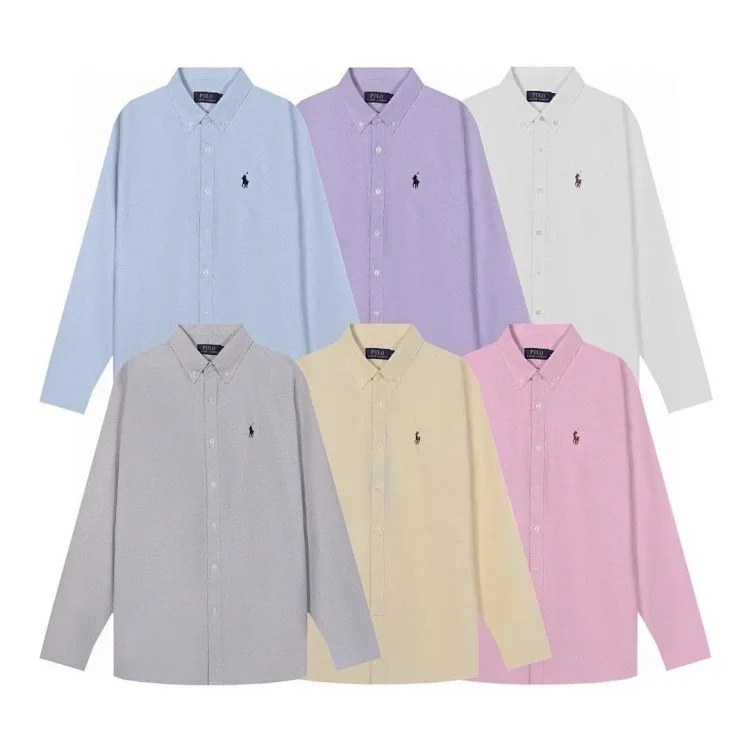 Jacket link check
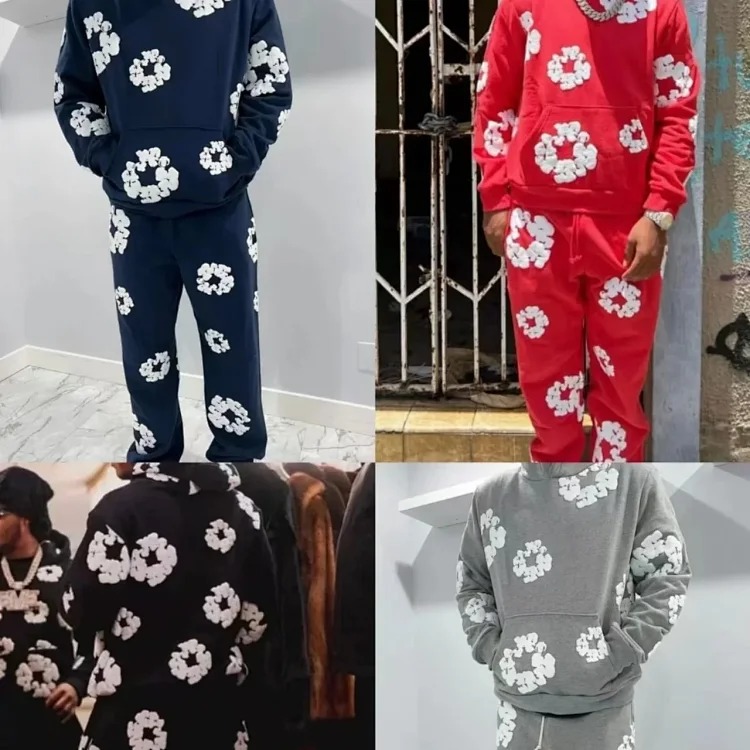 Pants link check
 Accessory link check
Count useful gallery images and confirm that the category path, title, and visible product agree. A vague title is not automatically a dead link, but it demands stronger photo and option evidence. If the listing contains several unrelated items, identify the exact image and variation that your order notes must reference.
Verify options, price, and sizing evidence
A product can remain visible while the desired option is sold out. Select the intended color, size, and version and watch whether the page accepts the combination. If an option disappears or cannot be selected, do not assume the agent can obtain it. Replace the row or mark the option unavailable.
Confirm the price after selecting the correct variation. Some pages lead with a deposit, accessory, or cheapest variant. Record the intended option price as an estimate and compare it with the amount reported by the agent. A major difference should be explained before purchase.
Review sizing information again even if you previously chose a size. Seller charts can change. Compare chest, shoulder, sleeve, and length for tops; waist, rise, thigh, inseam, and opening for pants; and foot or insole length for shoes. Note whether measurements are flat widths or full circumferences. Size labels without measurements provide weak evidence for a first order.
Reconnect the link to QC instructions
An active link should provide enough visual evidence to build a useful QC checklist. Save the details that matter before the seller changes the page. Standard checks include color, quantity, size label, model, visible condition, and whether all parts are included.
- Compare prints, embroidery, seams, closures, hardware, and labels with the live listing.
- Request critical measurements when fit cannot be confirmed from the size label.
- Check both shoes as a pair and review outsole, size marking, and obvious asymmetry.
- For bags and accessories, confirm dimensions, straps, fasteners, and removable parts.
- Ask for one specific extra photo when the standard set omits an important area.
If the page changes after the item reaches the warehouse, your saved notes and screenshots help explain what was ordered. QC does not guarantee authenticity or perfection, but it can reveal incorrect options, visible damage, missing pieces, and important measurement differences before parcel submission.
Confirm the agent route and shipping plan
Check that the marketplace source remains supported by the intended agent route. Keep the original product URL, selected variation, order record, messages, and QC notes together. Compare the agent order title and paid amount with the live listing rather than assuming a purchased status means every detail is correct.
Recheck current return windows, storage deadlines, and category restrictions. A link may be active while the product is unsuitable for your destination or selected route. Shoes, structured bags, bulky jackets, and packaging can increase volumetric weight; restricted materials or branded categories may also affect route availability.
Use current shipping data when the parcel is ready. Compare chargeable weight, tracking, insurance conditions, restrictions, delivery estimates, and customs information. Old rates in a spreadsheet are planning references, not promises.
Decide whether to keep, update, or remove the row
Keep the row when the URL loads, the live product matches, the intended option is selectable, sizing evidence is usable, and the agent route remains practical. Update the row when the item is still relevant but the title, price, photo, or option notes changed. Remove or replace it when the page is missing, repurposed, contradictory, unavailable in the needed option, or too unclear to support a confident order.
A clean CSSBuy spreadsheet is more valuable than a large collection of stale links. Review the CSSBuy Product Links Guide, use the CSSBuy QC Guide, check the CSSBuy Agent Guide, and plan parcels with the CSSBuy Shipping Guide. You can also return to the CSSBuy Super Sheet Link Library, read the first-time product-link checklist, or browse all articles in the news and guide library.