Prepare a clear comparison before opening the QC photos
Start with the record you saved when ordering: source URL, listing title, option screenshot, selected color and size, seller chart, and any details that mattered to your decision. Warehouse photographs are difficult to interpret without that reference. A shortened order title may omit a color name or version, while a seller listing can contain several similar options. Compare visible features against the selected option screenshot, not against a general search thumbnail.
For apparel, write down your fit goal and measure a garment you already wear comfortably. Flat chest width, body length, shoulder width, and sleeve length can help you judge whether a warehouse measurement is relevant. A size tag alone does not establish fit. For shoes, retain the seller size chart, measured foot length, and the exact model or colorway. For bags and accessories, note dimensions and included straps or pieces. This gives your CSSBuy spreadsheet a reference that remains useful after the listing changes.
Keep the original photo and date alongside the link. Listings can be edited, removed, or redirected. When the warehouse image differs from a current listing image, the saved version helps determine whether the item changed or the presentation simply uses another angle.
Check identity and completeness first
Before inspecting small construction details, confirm that the warehouse item appears to match the order. Look at color, quantity, size tag where present, major graphics, panel layout, closures, and included items. If an item has both a hooded and non-hooded version, or several colorways with similar names, identify a distinguishing detail. Do not infer identity from a single logo or a product name that the agent system abbreviated.
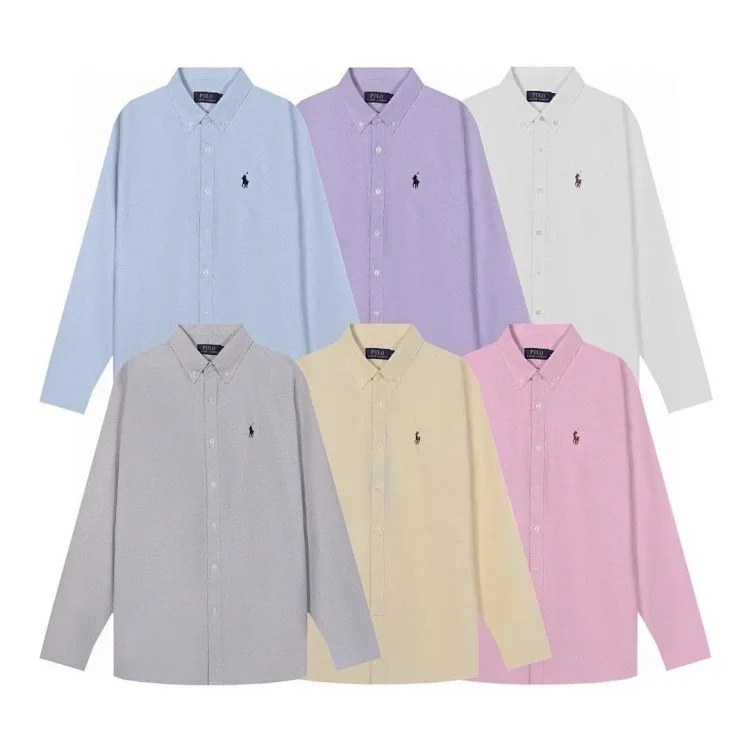 Hoodie option comparison
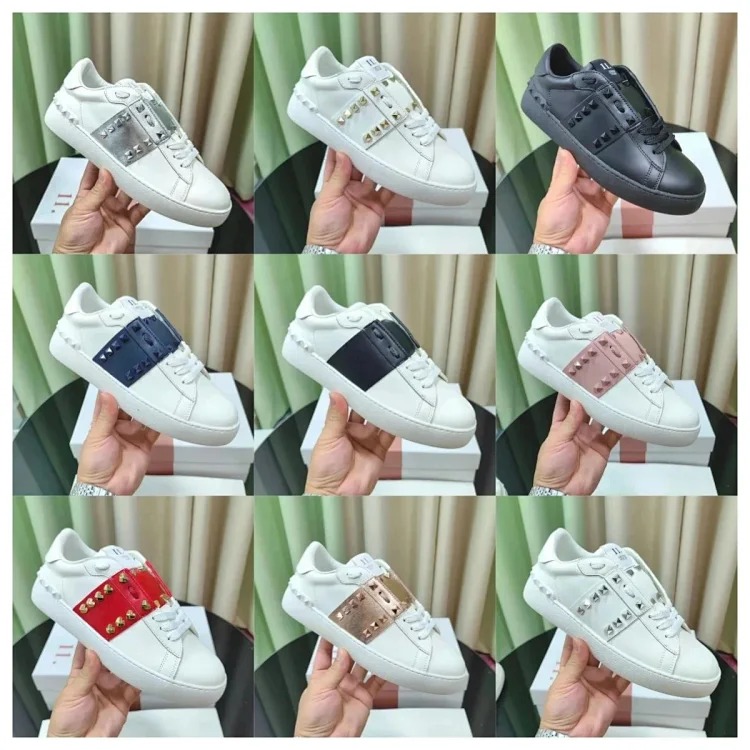 Jacket construction reference
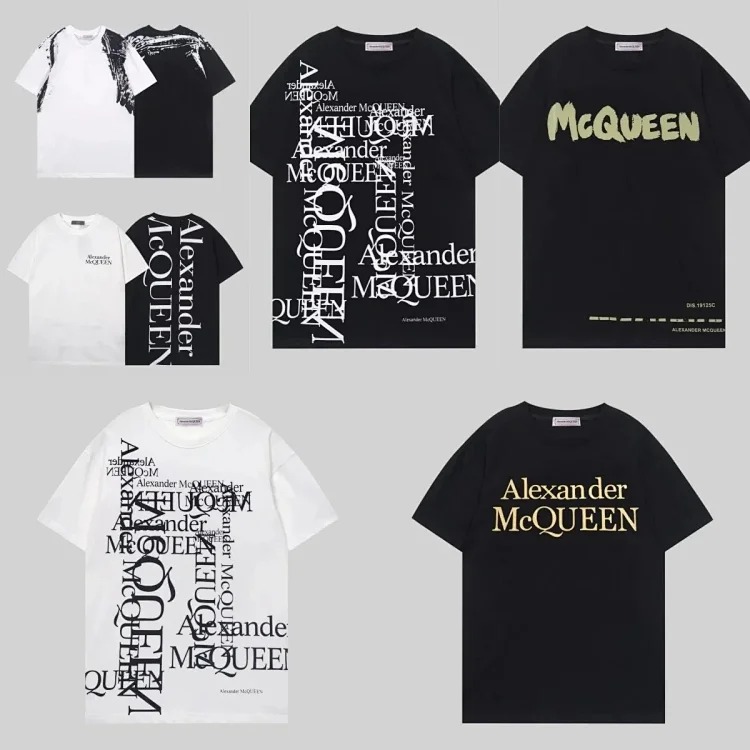 T-shirt detail reference
These OutfitReps pages are examples for product research. Reopen each listing before ordering to confirm its current options, price, and photos. Use the warehouse images to answer concrete questions about the item in your own order.
Completeness checks depend on the category. A hoodie may need its drawstrings, zipper pull, or detachable pieces confirmed. A jacket may have a removable hood or belt. A shoe order may include a box, spare laces, or accessories, while a bag may have a separate shoulder strap. Record what the listing shows and what the warehouse photos confirm. If an accessory is not visible, ask whether it is included before deciding.
Inspect visible condition by category
For T-shirts and hoodies, review front and back graphics, embroidery, seams, collar, cuffs, hem, pockets, and obvious stains or holes. Compare print placement and color boundaries with the seller photos, while allowing for differences in lighting and camera exposure. For jackets, inspect lining, zippers, snaps, pockets, collar, stitching, and panel alignment. For shoes, compare the pair together for shape, color, labels, soles, and symmetry. For bags, check front, back, sides, bottom, straps, hardware, closure, and interior where available.
- Confirm the selected variant, size tag, quantity, and visible included pieces.
- Compare front, back, side, and detail views with the saved seller evidence.
- Look for clear signs of damage such as stains, holes, broken closures, or severe shape distortion.
- Check measurements only when the dimension affects your fit or use decision.
- Record unclear evidence and request a specific view before parcel submission.
Photos have limits. They cannot establish exact fabric composition, long-term durability, comfort, authenticity, or how an item will perform after use. Treat seller descriptions as claims and warehouse photos as visual evidence. A clean photo does not guarantee a perfect item, and a color difference can come from lighting. Keep your conclusion proportional to what the image actually shows.
Ask for one useful additional photo or measurement
If the existing set does not answer a decision, ask a focused question. Name the view, detail, or measurement you need. For example, request a close photo of a jacket zipper, the back of a graphic, the inside label, flat chest width, or the bottom of a bag. If requesting a measurement, specify the endpoints and unit, such as underarm-to-underarm chest width in centimeters. Avoid vague requests such as “send better photos,” which can add images without resolving the uncertainty.
Decide in advance what result would change your action. If a chest measurement below your minimum means you will return the hoodie, write that threshold in your spreadsheet. If a missing strap means the bag is not useful, ask the agent to confirm that piece. This keeps photo requests efficient and connects QC to a real accept, exchange, or return decision.
Keep the agent response, request time, and any return window with the order record. Follow the current CSSBuy process and seller terms, since service options and deadlines can change. A request for evidence does not automatically pause a deadline, so check the applicable order status and policy.
Connect QC results to the agent route
After reviewing the photos, confirm the order number, selected source, quantity, and agent route details remain together. If an item looks different from the listing, compare option evidence and ask the agent about the specific mismatch. Do not submit a return or exchange based only on a vague impression when another photo can clarify the issue. Likewise, do not approve an item simply because the title looks right if the selected variant is still uncertain.
Keep notes factual: “warehouse photo shows navy body; ordered black option” is more useful than “wrong color” when the image is dim. Include a concise description and attach the relevant saved listing evidence through the site's available workflow. For other research examples, see a shoe listing, pants listing, and accessory listing. Recheck each product page before using it as a current reference.
Make the shipping decision after QC
Once you accept an item, revisit its parcel role. A folded T-shirt adds little volume, while a padded jacket, hoodie, shoe box, or structured bag may affect volumetric weight. Use parcel rehearsal for mixed orders and check the current route restrictions, chargeable weight, insurance terms, delivery estimates, and customs requirements near submission. Do not rely on a rate screenshot saved months earlier as a current quote.
Decide whether retail packaging should remain. Removing a box can reduce volume, but may lower protection or discard included accessories. Ask what packaging remains and consider how the item will be packed with the rest of the parcel. Preserve the warehouse evidence until the parcel is submitted so you can resolve an unexpected weight or inclusion question.
Continue with the CSSBuy QC Guide, CSSBuy Agent Guide, CSSBuy Product Links Guide, and CSSBuy Shipping Guide. Return to the CSSBuy Super Sheet Link Library, read the clothing QC checklist, or browse the full news and guide library.